
How to undo deleted messages on WhatsApp?
A step-by-step guide on how to recover deleted messages on WhatsApp

Meta owned WhatsApp is one of the most used messaging apps in the world. It is constantly trying to provide its users with the best experience by updating the app regularly, Money Control reported.
While WhatsApp has eased the process of chatting and sharing media, we sometimes end up deleting messages accidentally from our phones that we can’t retrieve later.
If you too have made the same mistake, then you must be wondering how to get those messages back.
Thankfully, the messaging app has introduced a few easy steps that allow users to recover lost messages.
How to undo deleted messages?
Open the chat list or the conversation from where you want to delete messages. Next, select the messages you want to delete by long-pressing on them. Once selected, click on the bin icon at the top of the app and select “Delete for me.”
Once you do this, you will get a pop-up message at the bottom of the app stating that you have deleted messages.
Once it appears, select undo, and voila, it's done.
However, keep in mind that the pop-up message will only show for five seconds, and after that, it will disappear. Also, the undo option does not appear if you “delete for everyone.”



-
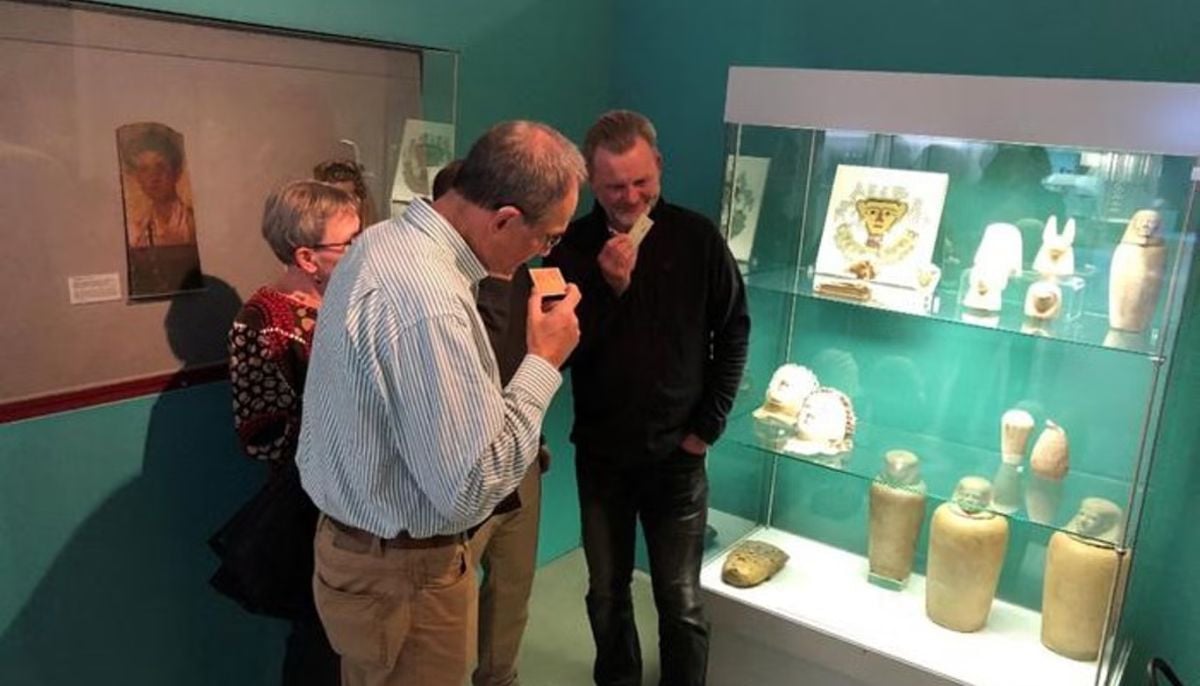 Archaeologists recreate 3,500-year-old Egyptian perfumes for modern museums
 -
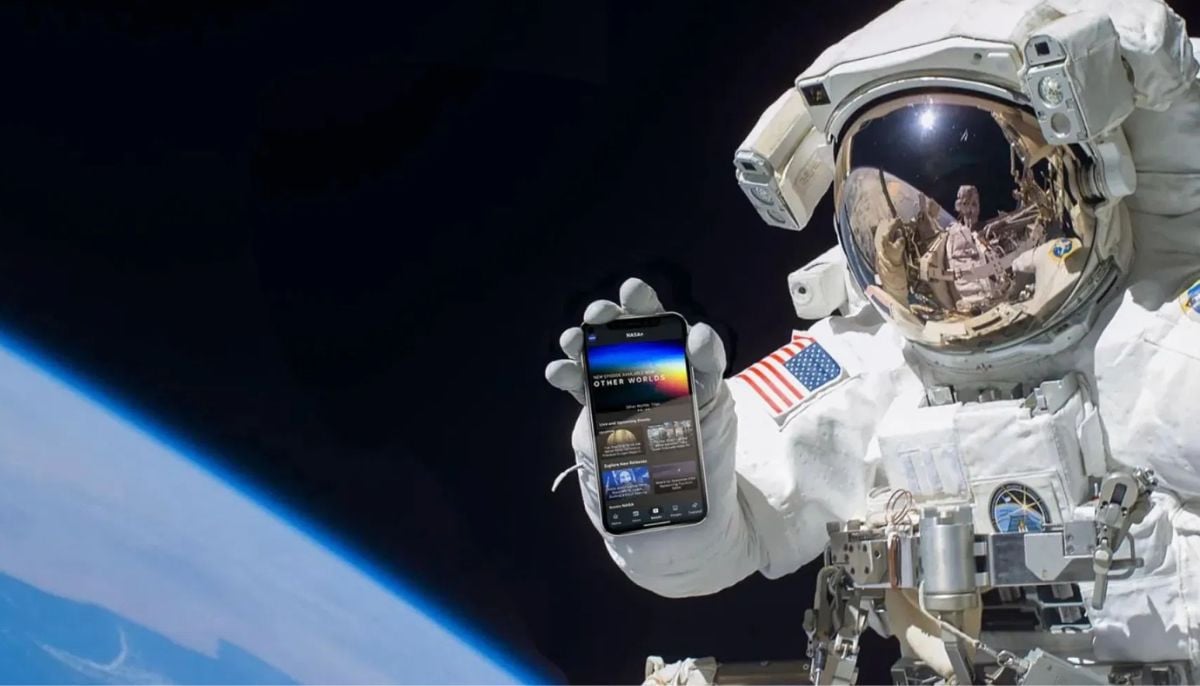 Smartphones in orbit? NASA’s Crew-12 and Artemis II missions to use latest mobile tech
 -
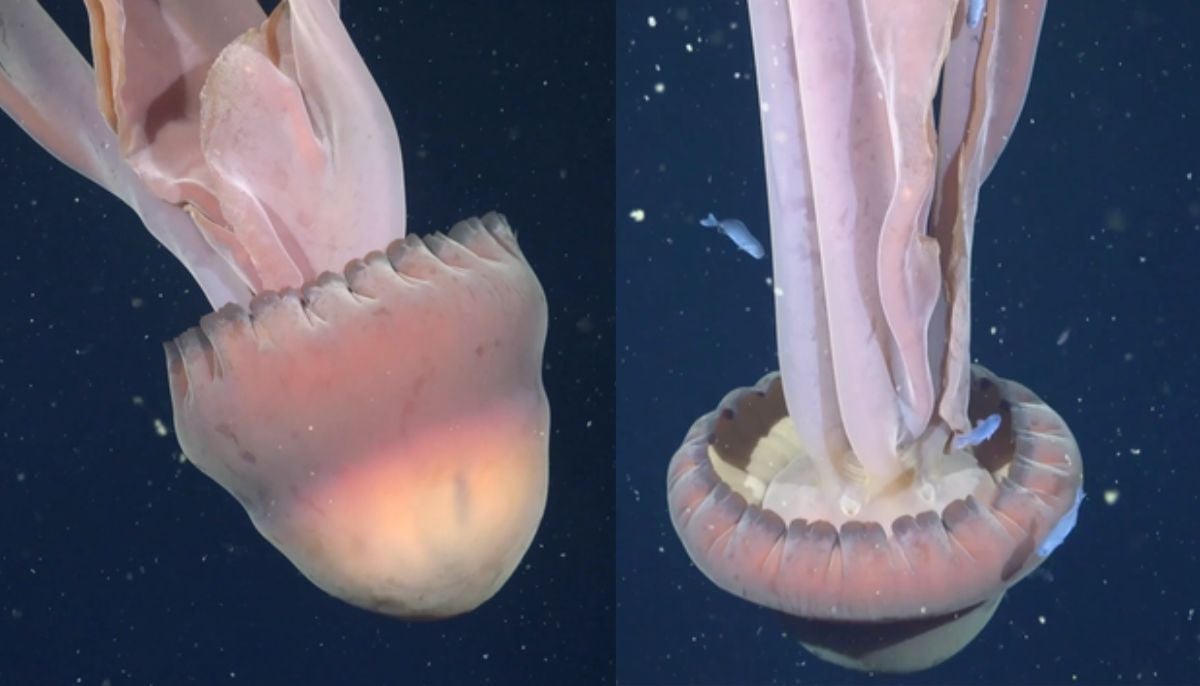 Rare deep-sea discovery: ‘School bus-size’ phantom jellyfish spotted in Argentina
 -
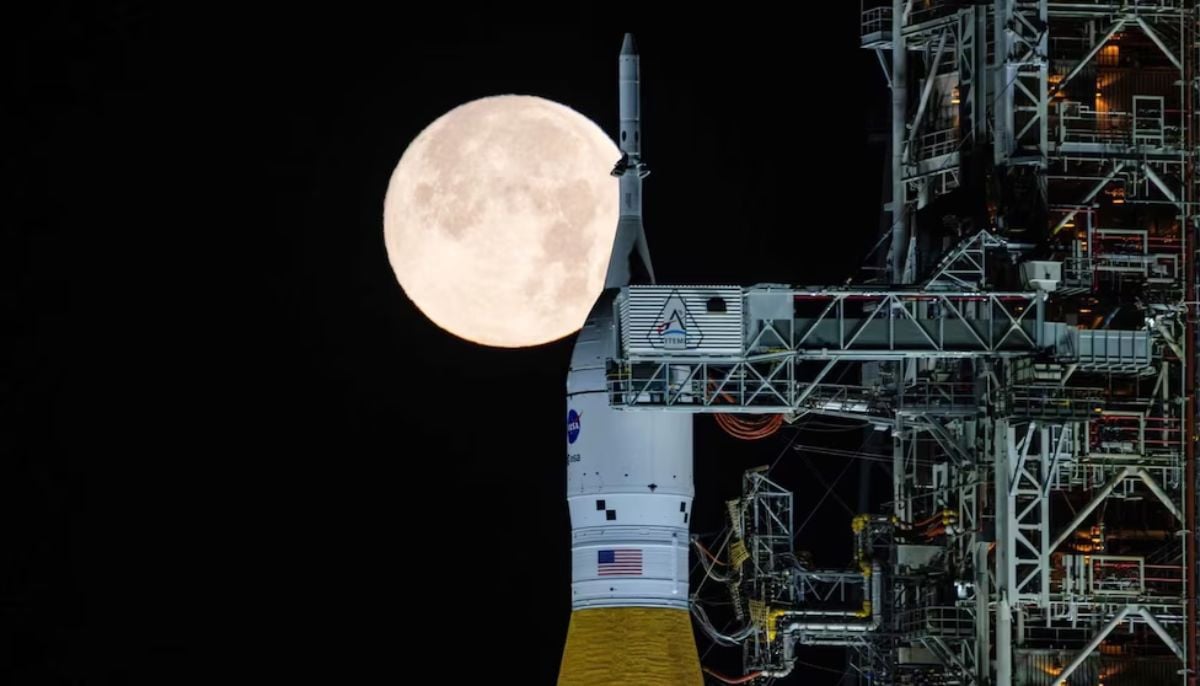 NASA eyes March moon mission launch following test run setbacks
 -
 February offers 8 must-see sky events including rare eclipse and planet parade
 -
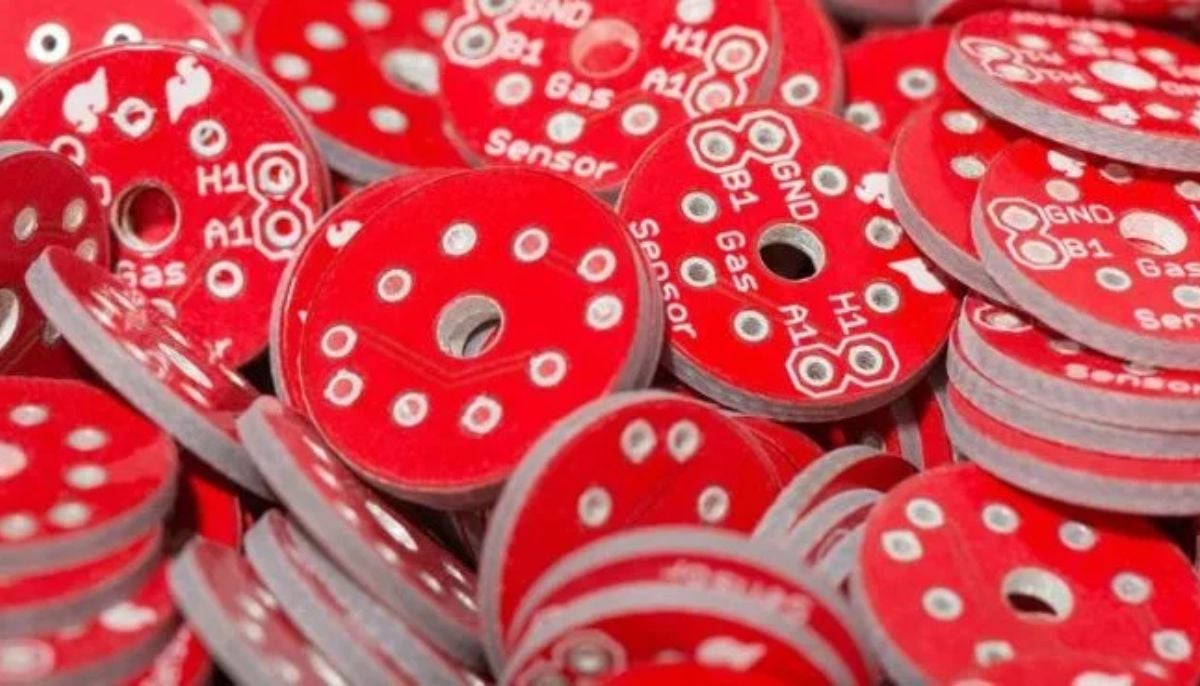 New study reveals biodegradable chip aims to reduce e-waste and air pollution
 -
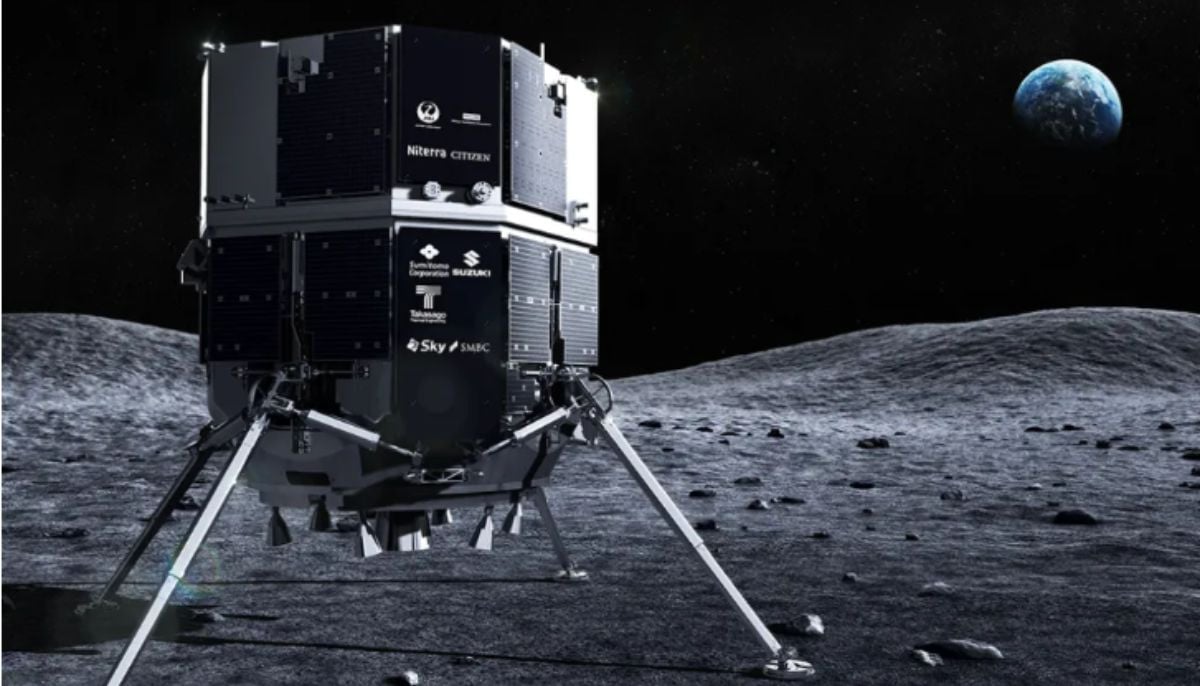 Scientists unveil new robotic mission for the moon
 -
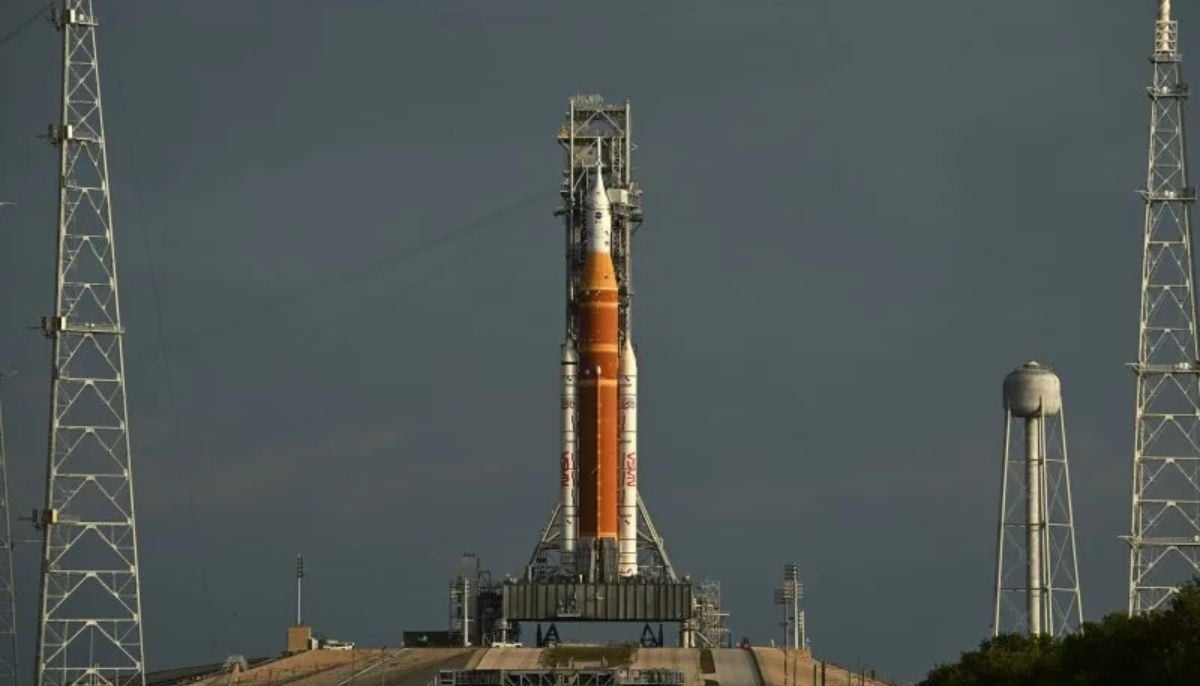 NASA reschedules Artemis II rehearsal due to Florida arctic outbreak