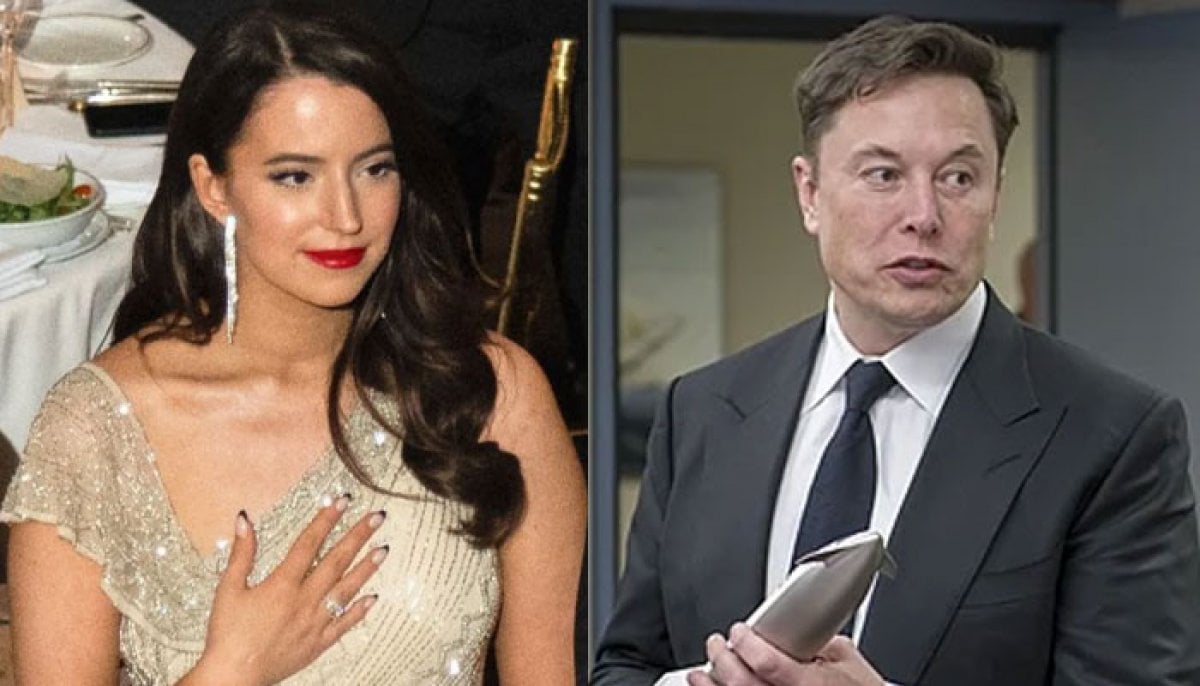
Elon Musk brings holiday cheer with a new Grok AI Christmas feature; here’s how it works
Elon Musk introduced a new festive feature to Grok AI, prompting users to create self-portraits with Santa Claus to enjoy the essence of Christmas

This year Christmas is even more exciting as you can celebrate the holiday by sharing photos of yourself with Santa Claus on X (formerly Twitter).
Elon Musk has recently announced a new festive feature which allows people to integrate Santa into their cherished memories, whether they are old family photos or new holiday videos. This intriguing feature is available to both free and paid users.
In a recent post, Musk highlighted how these tools can help users celebrate and share the holiday spirit with loved ones.
The easiest way to use the Santa Photobomb command
If someone wants to see themselves or their family alongside Santa, they just need to give Grok a specific prompt.
"Imagine Santa photobombing your holiday dinner-jolly beard and all! Merry Christmas 2025!”
This command will generate a festive version of your photo or video featuring Santa Claus.
No doubt Grok’s creative capabilities are generating buzz, with users sharing their AI-generated Christmas photos and turning the feature into one of the season’s biggest trends.
Check out how to create your own Santa photo
- Open X on your smartphone or visit the site on your PC.
- Navigate to the Grok AI tab on the menu.
- Click the create image or upload icon and select your photo or video.
- Enter the prompt mentioned above.
- Generate and share: Once created, you can download the image or post it directly to your timeline.


-
 Taylor Swift rocks Academy Gala with Eras Tour band reunion
 -
 Tiger Shroff remains unhurt in shock shooting claimed by Lawrence Bishnoi gang
 -
 Riots grip France as Marine Le Pen gains ground ahead of 2027 election
 -
 Zelenskyy warns US alignment with Russia would be a ‘historic’ mistake
 -
 Tesla unveils roadster with midair flips and rocket thrusters
 -
 Trump fully endorses Netanyahu ahead of Israeli election: Here’s why
 -
 Drake sends fans into frenzy over photo hinting at new music
 -
 ‘Now it works’: Zelenskyy welcomes US resumption of intelligence sharing with Ukraine