Here's how to use two WhatsApp accounts on one phone
Users can now switch between two separate WhatsApp accounts, their inboxes at any time while still logged in to app

Although WhatsApp has been a reliable messaging service for years, its parent company, Meta, has upgraded it for the future in the last year, adding a number of new features with one of the latest ones being the "multiple accounts use on one phone".
The capacity to use multiple WhatsApp accounts on your phone is the most recent feature, which makes it simple for users to switch between accounts without having to go through drawn-out login and verification procedures. Everything you require to know about the functionality is provided below.
In mid-October 2023, Meta released a brief blog post announcing the inclusion of multi-account functionality in the WhatsApp app, which marked a significant shift for numerous users.
You can now switch between two separate WhatsApp accounts and their inboxes at any time while still logged in to the app.
There are requirements, though: for each account, you'll need a distinct phone number and an active SIM card in your phone. This may require your phone to have room for two SIM cards, though if necessary, you can use eSIM to accomplish it digitally.
However, if you tick those boxes, here's how to set it up:
Open the WhatsApp app.
In the lower right corner, tap the "Settings" cog.
Click or tap the arrow by your name.
Select "Add account."
To add your second account, follow the instructions.
There you have it: a second account that is active and logged in. It appears that after you have both accounts logged in, you can switch between them using the same processes.


-
 Greenland and Antarctica face major ice loss: Key details explained
 -
 Scientists transplant lab-grown human brain tissue into mice: What they found
 -
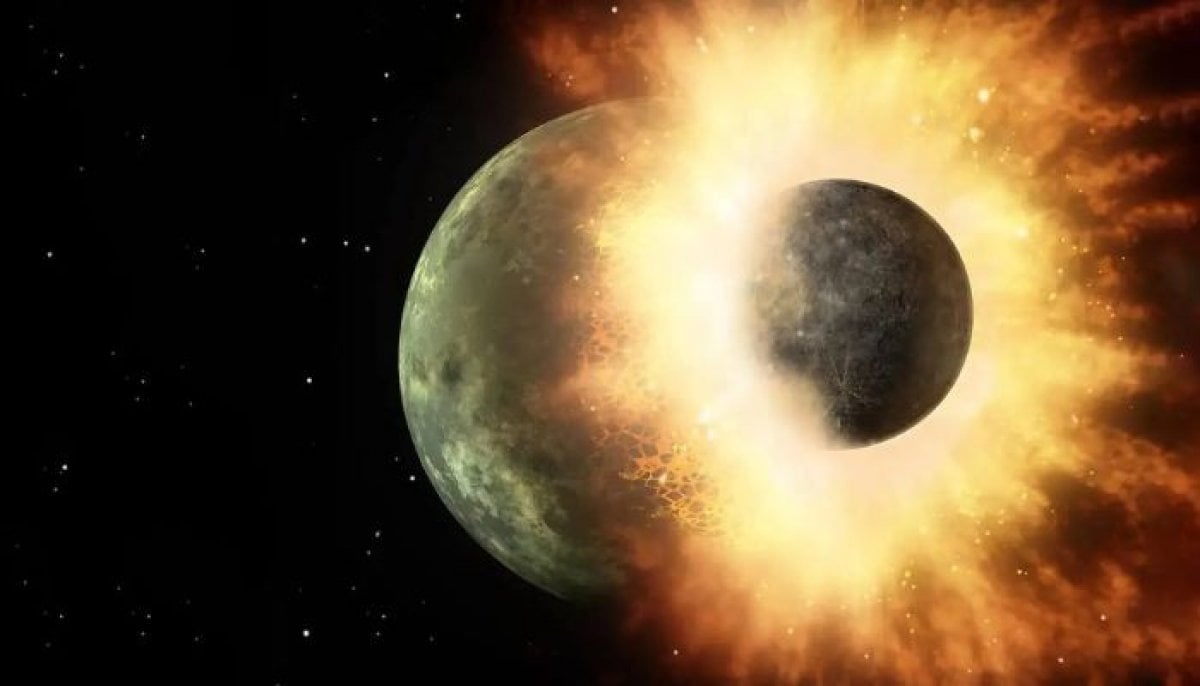 New discovery forces scientists to rethink how Earth formed
 -
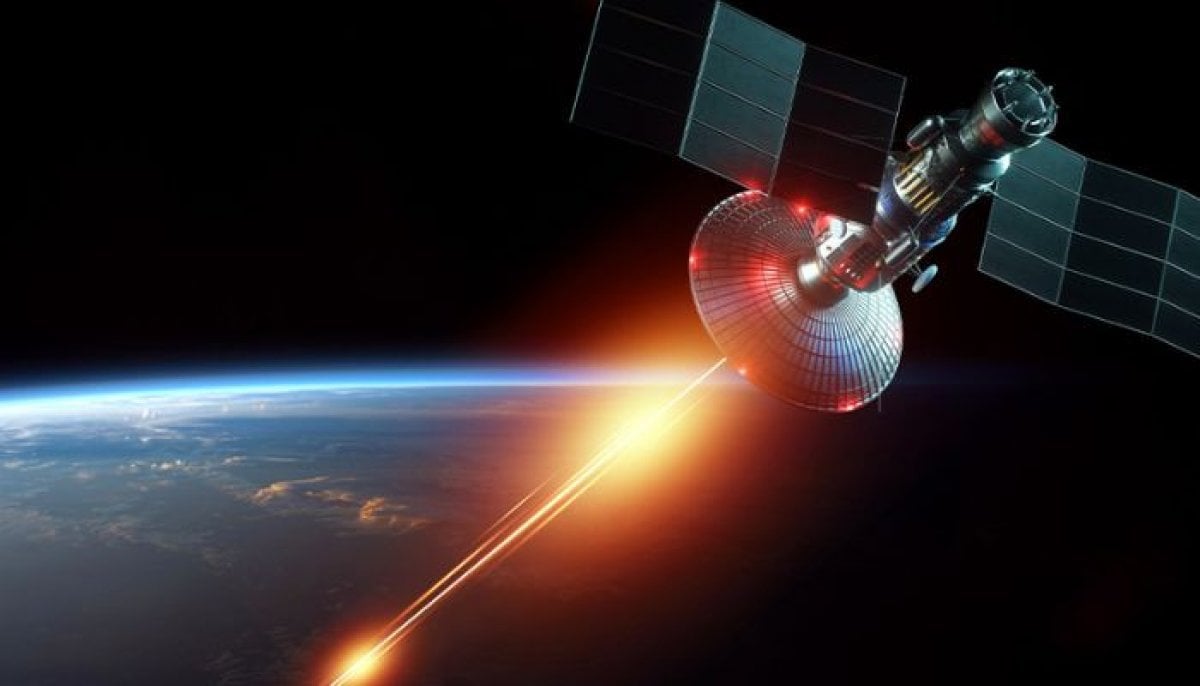 US finally confirms weapons in orbit: What it means for space warfare
 -
 How China's FAST telescope is mapping the cosmic gas behind star birth
 -
 Did Sun eat super-Earth? New study says maybe
 -
 Did Sun swallow a super-Earth? Scientists search for its ‘fingerprints’
 -
 Blue Origin sets sights on Mars with new NASA network