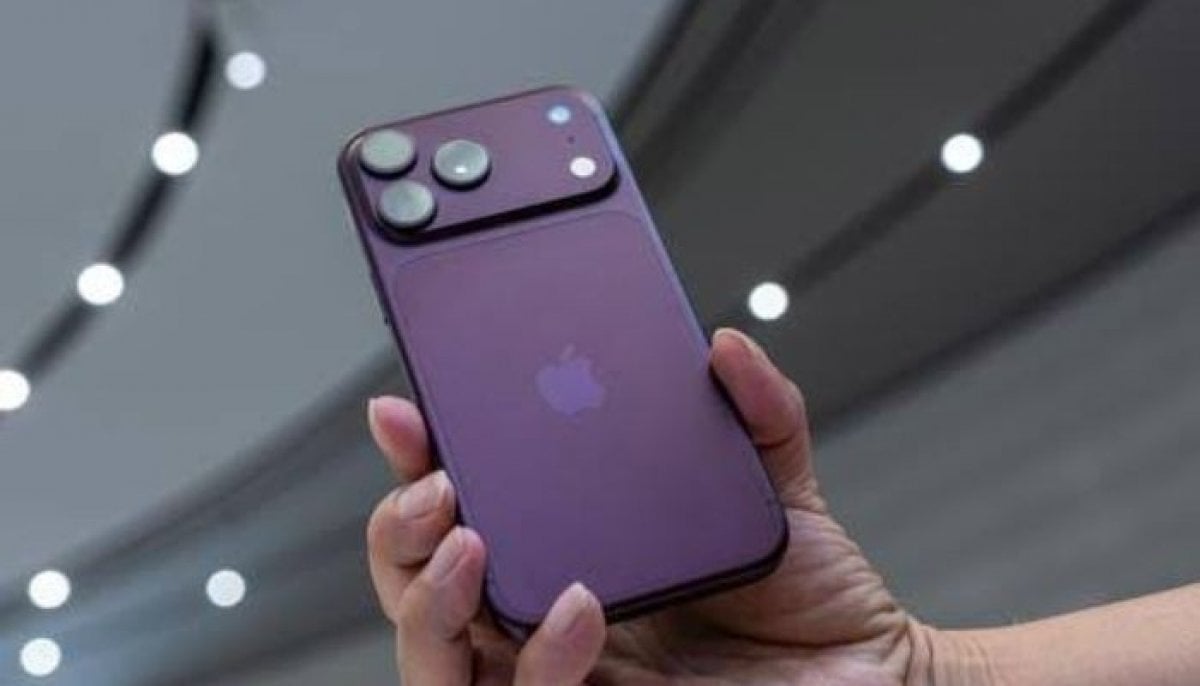
Apple rolls out iOS 18.6 with key features ahead of iOS 26 launch
iOS 18.6 addresses issues in the Photos app, improves system stability, and includes 24 security updates
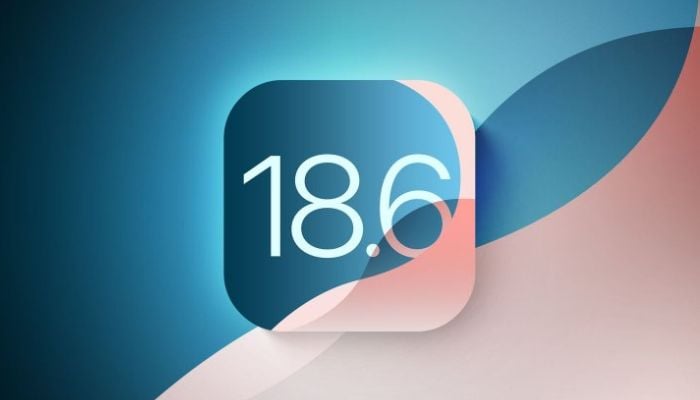
Apple has introduced iOS 18.6, launching several new customization and security features ahead of the highly anticipated iOS 26 launch that is set to be released in September.
The update mainly revolves around fixing bugs and applying security patches, but tech experts advise users to adjust their phones according to the five new setting adjustments to optimize performance and enhance the iPhone experience.
Top 5 settings to change now
Customize Lock Screen Buttons
With iOS 18.6, users can customize the default flashlight and camera shortcuts as per their needs. For instance, adding Tap to Pay, Dark Mode, and Shazam, etc. To access this, one needs to hold the lock screen for a while and customization options will appear.
Prioritize Notifications
To reduce spam clutter, Apple introduced prioritization of notifications. With the help of Apple intelligence, the smartphone will highlight notifications from prioritized contacts while deprioritizing potentially unnecessary ones.
Revamp Home Screen Layout
Users can now place the icons freely in Jiggle Mode breaking the previous rigid grid. One can also add a color tint via “tinted icon style” for a cohesive look.
Redesign Control Center
The control center can also be customized in the new iOS 18.6 by swiping down and entering edit mode to resize, rearrange, or add controls like smart home shortcuts or media playback.
Lock Sensitive Apps
Private apps such as banking mobile apps and notes etc. can be locked with Face ID or passcode requirements by long-pressing the icon and selecting "require authentication".
With iOS 26’s release set for next month, optimizing current settings ensures a smoother transition.


-
 Boris Johnson’s train ‘evacuated’ after Russian drone strike near Polish border
 -
 Donald Trump marks grandson Luke's 9th birthday with a special celebration in Ireland
 -
 GTA 6 follows Red Dead Redemption 2's chapter model, Rockstar confirms
 -
 Ex-CIA officer reveals what is fake in Paramount+ spy thriller 'Lioness'
 -
 Scotland, Wales and Northern Ireland leaders to sign UK joint declaration in Cardiff: What to know
 -
 Mahira Khan gets flooded with love after surprise pregnancy news
 -
 Céline Dion breaks down in tears during comeback show despite promising herself she wouldn't
 -
 Diablo heading to Netflix in animated series