Gmail for Android now lets users create labels on mobile
Google rolls out long-awaited label creation and management tools to the Gmail Android app
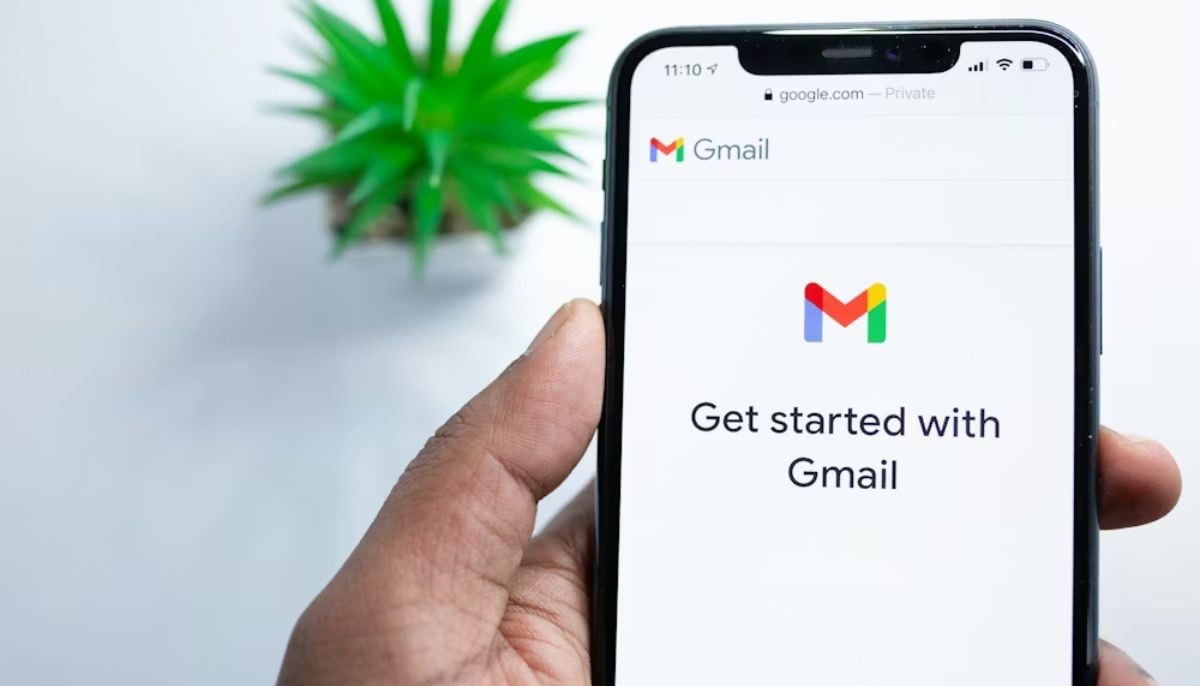
Google has released a Gmail update which enables users to create labels from the Android application. The feature appears in version 2026.01.26.x, bringing the mobile experience closer to the Gmail web version.
The update enables users to create new labels through their Android devices instead of needing to use the desktop site. The update is currently being distributed to users through a process that delivers it to one account at a time.
How to Create Labels in Gmail on Android?
Once available, users can open the navigation drawer and tap Create label, located between “Manage subscriptions” and existing labels. A small “New” tag may appear next to the option, along with a circular badge on the hamburger menu icon to indicate the feature is live.
Tapping the option opens a simple “New label” screen where users can enter a name and save it. The process is quick and designed for on-the-go organisation.
The update also enhances label management. Users can now go to Settings, select their Gmail address, tap Notifications, then Manage labels to delete labels directly from the app.
However, colour customisation for labels still remains part of the to-do list for the Android platform. While the feature remains limited compared to the desktop version, it still represents a huge improvement for users with email folders on their mobile devices.


-
 Meta releases Muse Spark for Mac-optimized AI: What to know
 -
 OpenAI, Anthropic subpoenaed by FTC over AI safety incidents and consumer harms
 -
 China’s ByteDance makes major AI safety push with global hiring drive
 -
 Can Wall Street keep rogue AI out of its systems?
 -
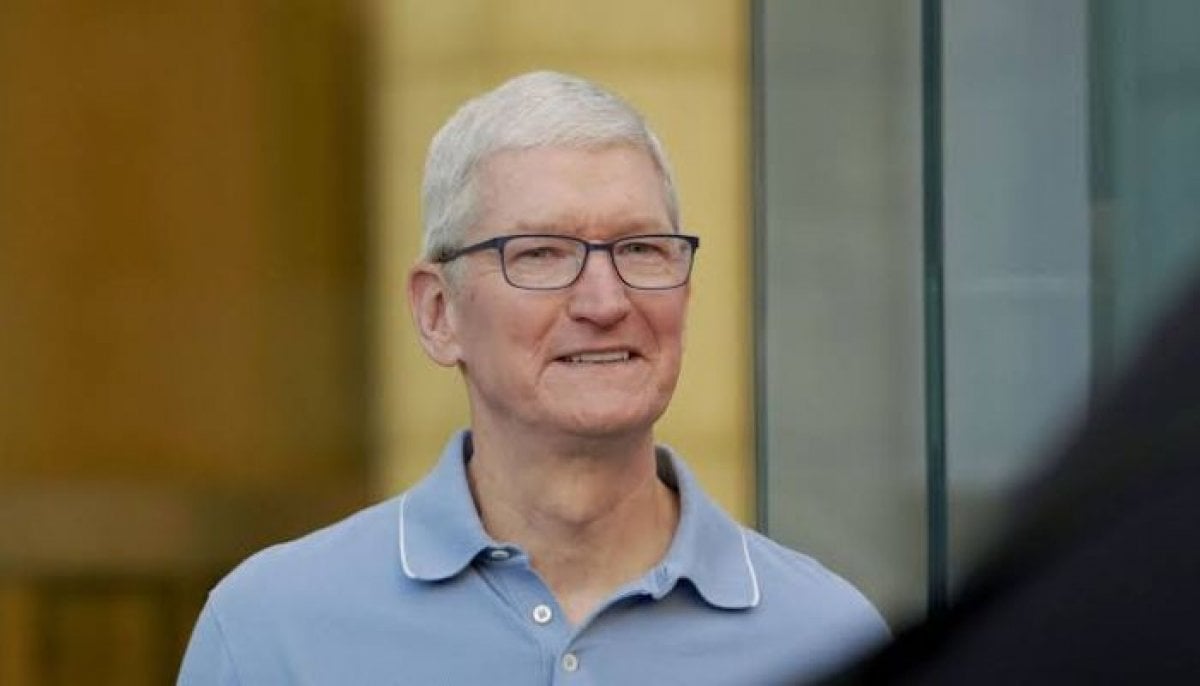 Tim Cook announces major Apple Intelligence update for China
 -
 OpenAI sued by eight states over ChatGPT youth safety and mental health risks
 -
 1.3GW solar farm, 1GW data centre planned near King's Lynn
 -
 AI agent hacks are 'early warning shots': Google DeepMind co-founder
-
 Russia cracks down on AI bears as real attacks spread fear: What to know
 -
UK media watchdog warns X over illegal hate content despite moderation speed improvements
-
OpenAI vs. Apple: Former employee accused of taking unreleased device files
-
Google DeepMind, Google Cloud grant European researchers access to frontier AI models and $3M in compute