Google rolls out new Android anti theft features to protect smartphones
Beyond theft protection, Google is expanding AI-powered editing tools in the Photos app
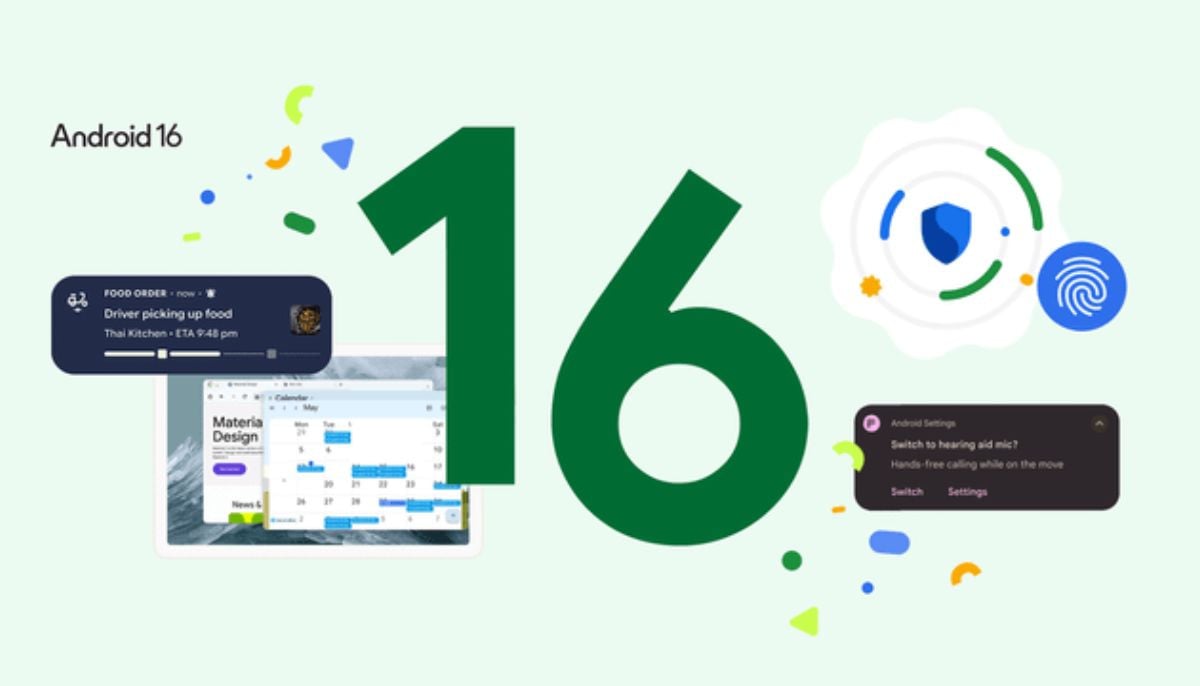
Google is strengthening Android security to tackle rising smartphone theft, announcing new anti-theft protections with its latest update. The features are mainly rolling out with Android 16, with select tools also coming to Android 15 devices.
The update is all about safeguarding personal information, banking access, and payment in case the phone is stolen, lost, or misplaced, addressing the questions of who, what, when, where, why, and how in one go for Android users across the globe.
Android 16 new update
The Android update brings many new features to prevent unauthorised access. One of the most significant additions is the failed authentication lock. This feature comes into play when the person keeps trying the wrong passcode or biometric unlock.
Once the person tries several times, the phone automatically locks itself and extends the time before making another attempt. This significantly reduces the chances of brute force attacks and is a significant addition to Android anti-theft security.
Google explains that many users tend to keep their sensitive financial and personal data on their mobile phones, and the waiting time is a great deterrent for thieves. Pixel phones are likely to get the most out of this update and become less desirable for smartphone thieves.
Google is also upgrading its Identity Check feature. Apps and system settings that rely on fingerprint or face recognition now have stronger protection. Even with physical access, breaking into the device becomes much harder.
Another improvement focuses on remote lock security. Users can now set a personal security challenge or question. Only someone who knows the correct answer can unlock the device, adding a more personal layer of Android security.
Beyond theft protection, Google is expanding AI-powered editing tools in the Photos app. The new Ask AI feature lets users edit images using simple text or voice commands. A refreshed design with a Gemini-powered bar also makes photo editing quicker and easier.






-
 Meta AI rival chatbots gets free WhatsApp access
 -
 Google I/O 2026: Watch Major announcements and updates live
 -
 OpenAI co-founder Andrej Karpathy joins Anthropic as AI race intensifies
 -
 AI still falls short on programming language design, Bjarne Stroustrup says
 -
 Mistral AI acquires Emmi AI startup in industrial push with a major move
 -
 Elon Musk responds to jury verdict in OpenAI lawsuit: ‘Dangerous precedent to set’
 -
 Anthropic’s Mythos data sharing plan sparks new cybersecurity risk
 -
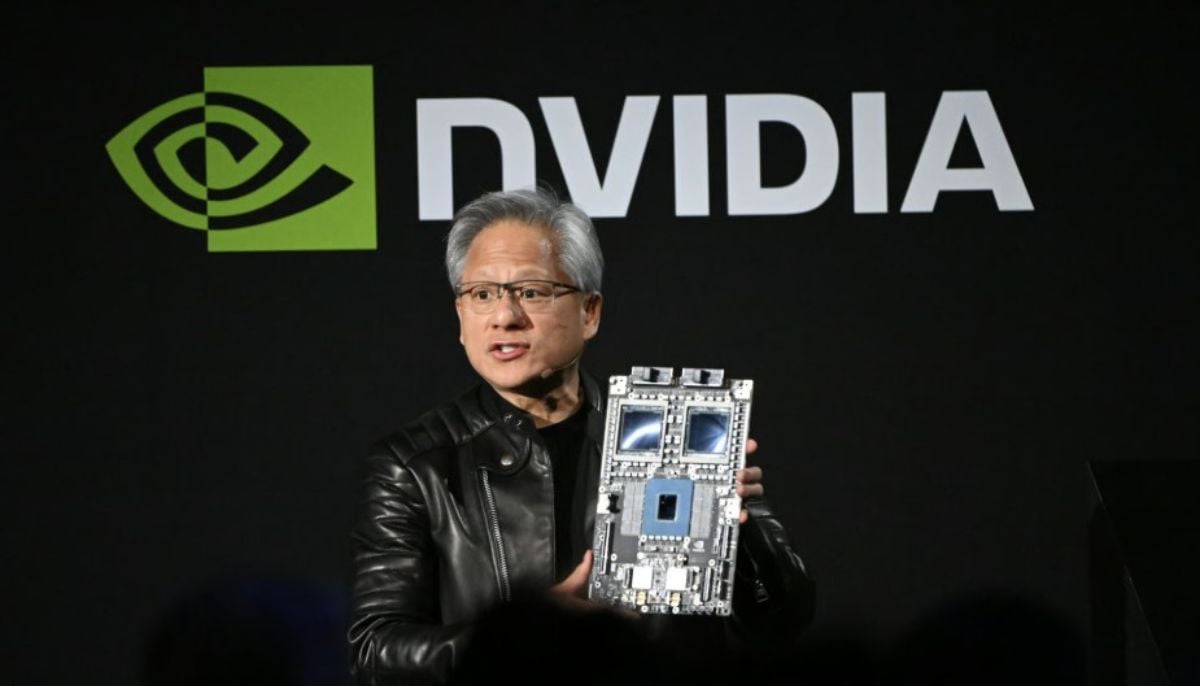 Nvidia CEO Jensen Huang hints China market may open to US chipmakers