Google Photos tests battery-saving backup option
Google Photos' new setting aims to protect battery life without turning off backups entirely
Google is preparing a new battery-focused feature for Google Photos that limits how often the app backs up files in the background. The feature, spotted in Google Photos version 7.59, introduces a new toggle called “Optimise backup for battery life”.
It is designed to reduce battery drain caused by frequent background syncing while keeping backups enabled.
In the past, Google Photos’ backup settings have largely revolved around control over cellular data usage. Google Photos allows people to limit backups to Wi-Fi, restrict cellular data, and turn off cellular syncing.
However, there have been very few options that have addressed the battery usage. Google Photos, if it's really backing up as fast as it's consuming battery, then the choices that the users have right now are to turn off the backups.
How does Google Photos new battery optimisation work?
The newly discovered setting adjusts how Google Photos acts while it's operating in the background. Once toggled on, the application backs up photos and videos much less often, unless the user is actively using it.
That means background activity is deprioritised to help save battery life. Google Photos' battery optimisation may provide a middle ground when users are constantly syncing or disabling backups altogether.
If this feature is implemented in the public release, the user may realise that there is an issue with the delay in the appearance of the newly taken pictures on the web and the devices that access them. In some instances, the user may realise that the backup begins when the app is opened, contrary to the expectation that it is performed in the background.
Instead of directly synchronising pictures or videos as soon as they are captured, Google Photos would reduce background syncing to save battery life. Additionally, this feature enables users to store cloud backups without draining battery life unnecessarily.





-
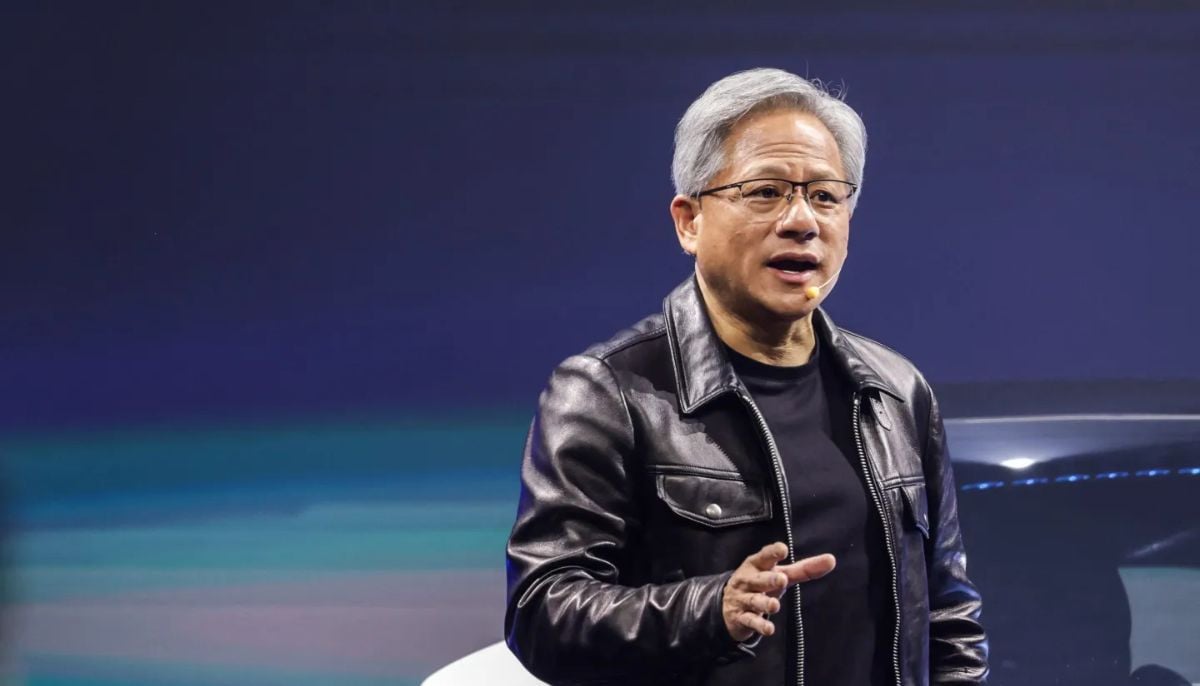 AI won’t replace jobs, it will evolve them, says Nvidia CEO
 -
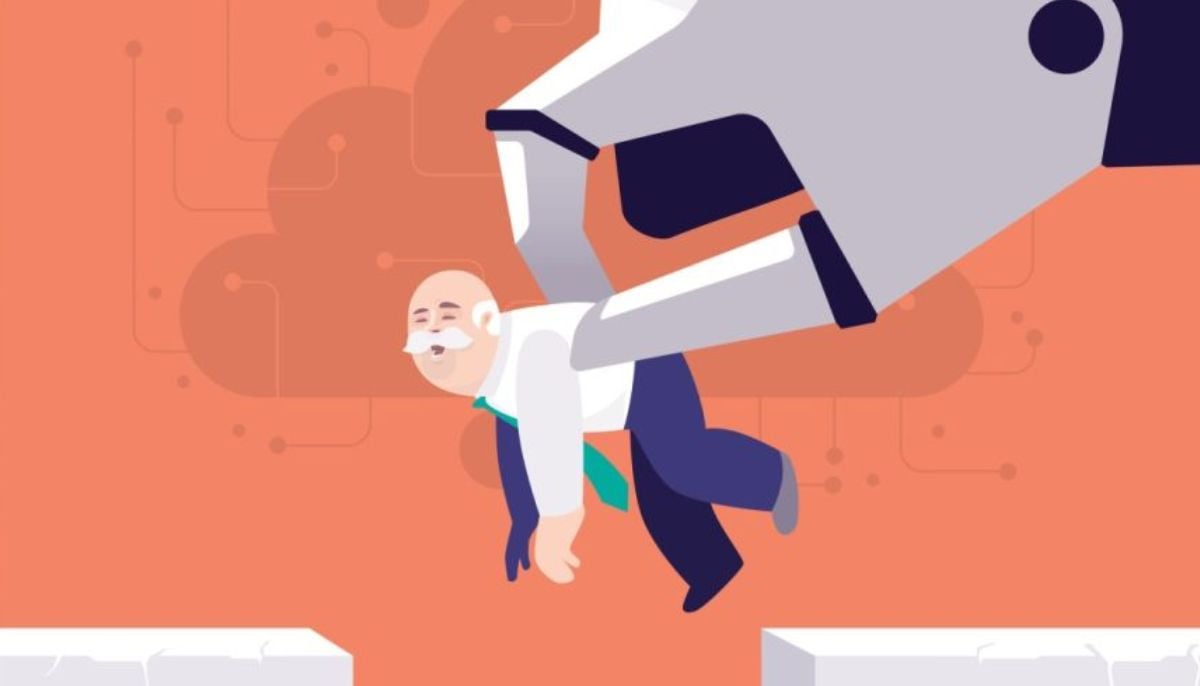 From human to machine: 15% of American accept AI in leadership roles
 -
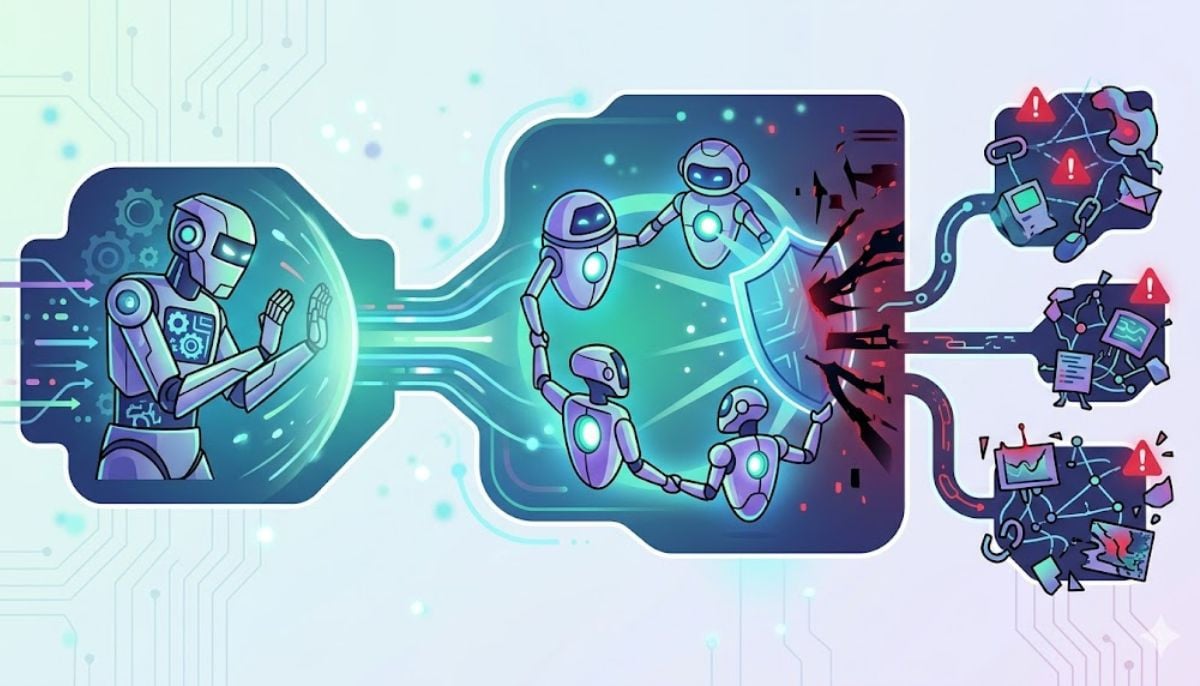 From AI self-preservation to ‘peer preservation’: New study raises alarm over hidden risks
 -
 OpenAI caught funding child AI group without disclosure
 -
 New AI tool targets extremism, redirects ChatGPT users to real-world help
 -
 Has X disabled the ability to copy video links?
 -
 Experts call on Google to ban Youtube AI videos for kids
 -
 Apple turns 50: Tim Cook reflects on five decades of impact