10 tips to save yourself from online digital harm
These tips will not only help you protect your digital life but also empower you control your digital space.

Social media is ubiquitous. With its outsized influence, several things change for the better, but at the same time, a rise in online threats also emerges. To protect your digital privacy, take these steps:
1. Check privacy settings
Social media accounts often contain a lot of information about users. With a few scrolls, friends and strangers can easily access this data. That's why it's better to check your privacy settings. So, you can decide who will see what about you in the digital world.
2. Public storage ≠ Private information
Google Docs is a useful online service, but saving your password list there is not a good idea. Similarly, dropping your passport scans into Dropbox is likely not ideal until they are stored in an encrypted archive.
3. Keep trackers at bay
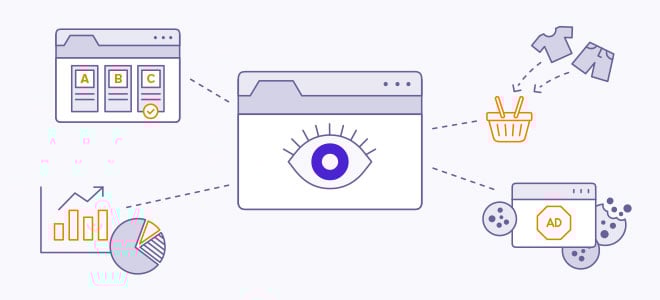
Marketers hunt for your information online to target you with ads. Browsers help trackers by giving them your browsing history, and even in Incognito mode, they cannot fully prevent this. So, opt for an anti-tracking extension to help you evade web tracking.
4. Protect your e-mail address and phone number
Oversharing will only bring tons of spam emails and hundreds of robocalls, so it's strongly recommended to keep your main email address and phone number private. But still, if you want to share, create a separate email address and get another number.
5. Go for an end-to-end encryption app for messaging
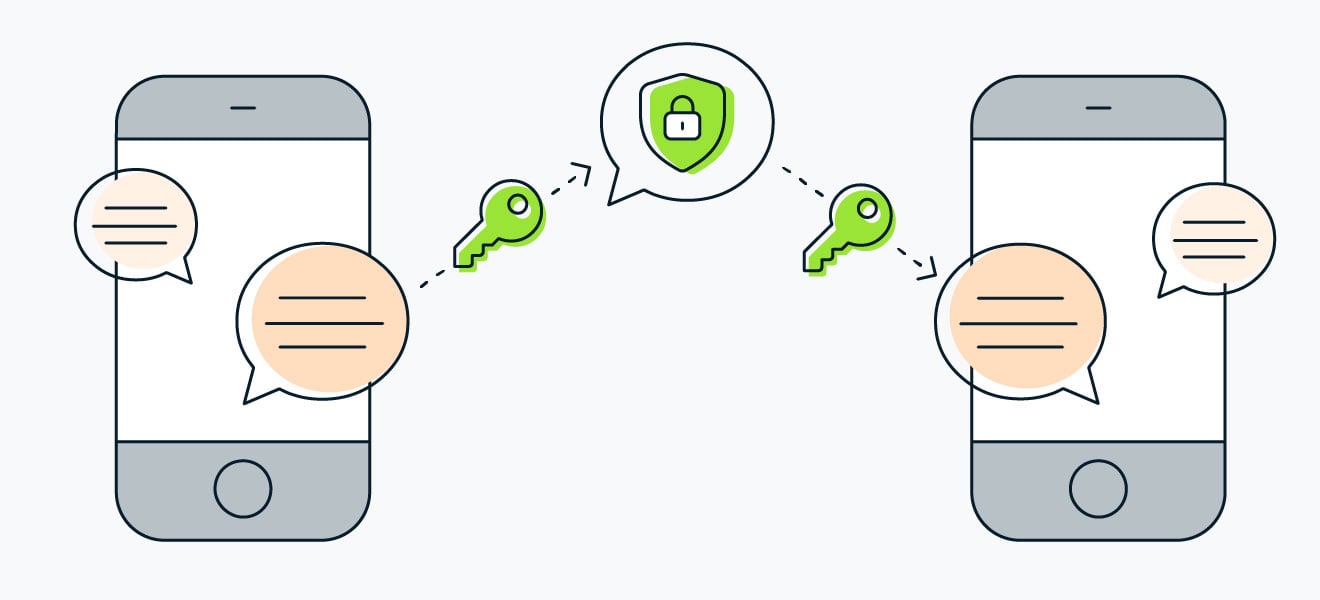
Only end-to-end encryption messaging apps are private for conversations, for example, WhatsApp, because other apps, though they do use encryption, have their service providers decrypt the messages to store them on their servers; these apps include Facebook Messenger, Telegram, and GOOGLE Allo. Though they are, by default, not end-to-end encrypted, which poses a risk of being hacked.
6. Strong passwords
Strong passwords are the most important line of defense against account hacking. Make sure it is long and unique, and in case you are having a hard time remembering it, use a password manager.
7. Think twice before granting permission
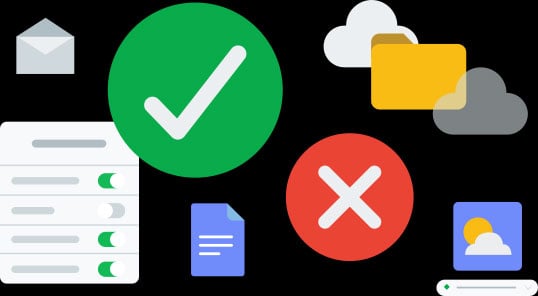
Mobile apps and browser extensions typically ask for access permissions. It ranges from using the camera to contacts and geolocation to storing a file in device storage, not to mention the microphone. A few cannot proceed without these permissions, but others can work just fine.
8. Secure your devices
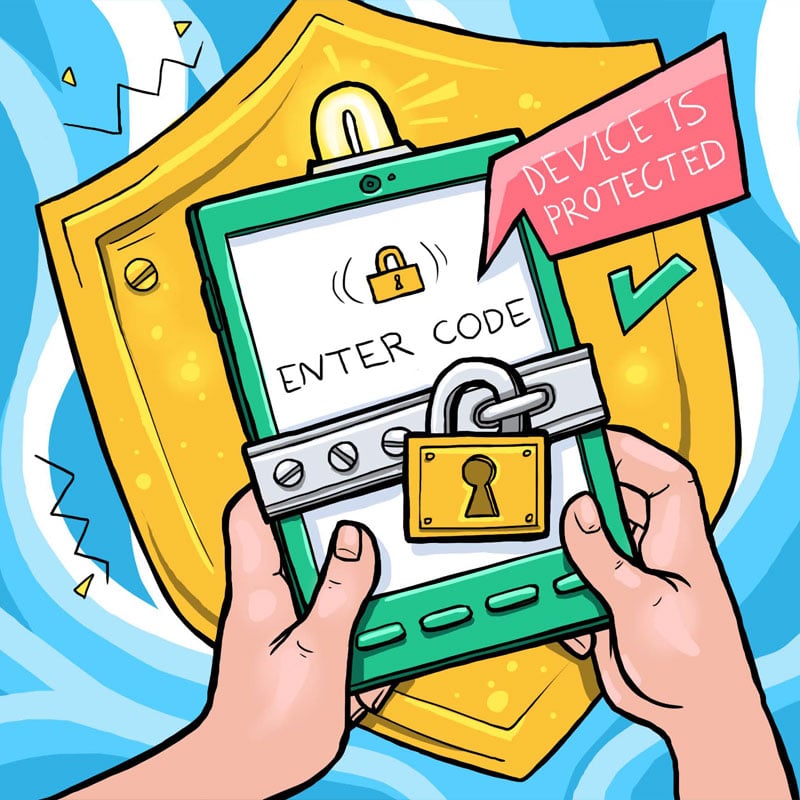
In addition to a strong password, biometric authentication adds another layer of protection for your device. Keep in mind, weak passwords are as good as having an unlocked phone. Also, avoid using screen lock patterns as passwords.
9. Disable lock screen notifications
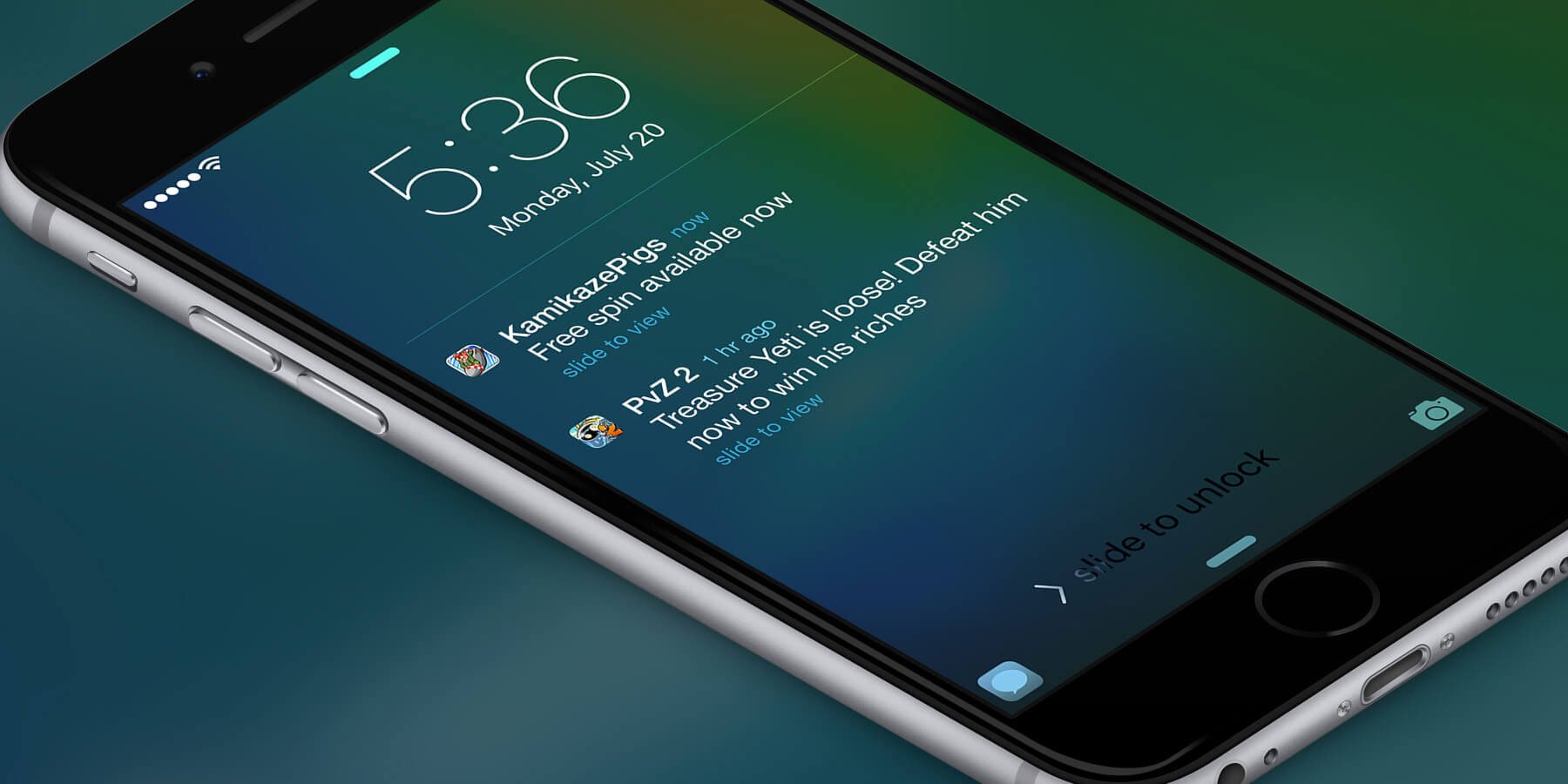
Notifications will pop up on your screen, even if your phone is protected with a long, secure password. To keep any passerby from snooping, disable lock screen notifications in settings.
10. Avoid public Wi-Fi networks
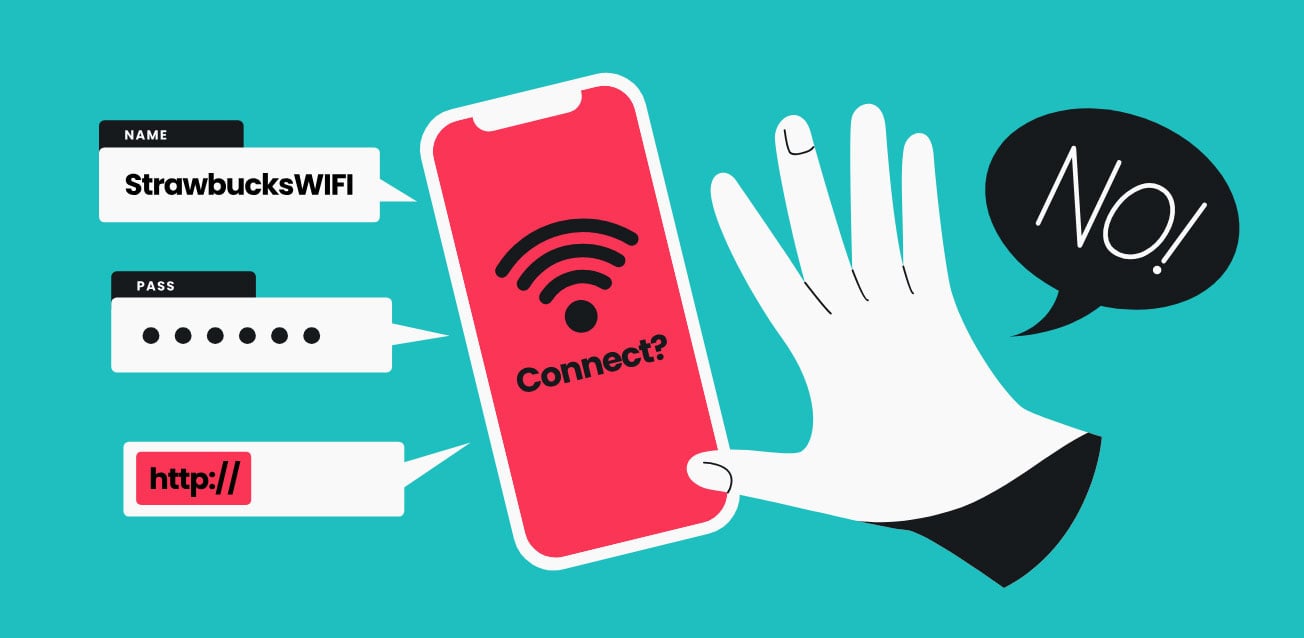
Public Wi-Fi is like a sweetener that can only hurt you. Their traffic is often uncryptic, so your connection to it exposes your device to prying eyes. If using a public Wi-Fi, do not send sensitive data such as passwords or photos. Also, use a VPN to encrypt your traffic and protect your data.





-
 From AI self-preservation to ‘peer preservation’: New study raises alarm over hidden risks
 -
 New AI tool targets extremism, redirects ChatGPT users to real-world help
 -
 Has X disabled the ability to copy video links?
 -
 Experts call on Google to ban Youtube AI videos for kids
 -
 Apple turns 50: Tim Cook reflects on five decades of impact
 -
 Perplexity AI accused of exposing sensitive user data
 -
 Anthropic Claude AI source code leak: ‘Human error’ sparks security concerns
 -
 Why women fall behind in AI use, former Meta COO explains