Your phone may have malware: Here’s how you can check
Fast battery drain, overheating and odd spam texts can all signal an infection. Here's what to check first
Kaspersky blocked more than 1.99 million malware, adware and unwanted-software attacks on mobile devices in the second quarter of 2026, and that counts only its own users.
Plenty of infections never announce themselves. The signs of malware on your phone are often small.
Signs of malware on your phone
- Pop-up ads that show up outside of an application, such as your home screen or over an application, serve as clear warnings. Adware tends to come along in a package with software that you inadvertently downloaded. At the same time, you can look through your list of applications for anything out of the blue that seems to have found its way there.
- The malware will continue running in the background and making use of your processor and network connection. This process will deplete your battery quicker than usual. Be sure to check the normal lifespan of your battery compared to the expected one for your phone before becoming alarmed.
- A fairly new phone that suddenly crawls, or apps that keep closing on you, can mean malicious code is competing for the phone's resources. On an older phone this is harder to judge, because wear causes the same symptoms. In that case, lean on the other signs on this list.
- A phone shouldn't feel scorching during light use. If you keep getting overheating warnings, or it shuts down on its own in a cool room, something may be working hard behind the scenes. Heat from gaming or charging is normal, so it's the unexplained heat that matters.
- In case you are using a capped package, you will notice it immediately. However, people who have unlimited data packages do not care about that because they will not see it. Periodically, take a look at the usage of your mobile's data options and see whether some apps you hardly use consume a lot of it.
- Some malicious programs send messages to your contacts from your phone with links which will infect them as well. Your contacts will tell you right away. However, if you never use SMS, go to the default message application on your phone and see whether there are any messages which were not sent by you.
How to check an iPhone or Android phone?
Go to Settings > General > VPN & Device Management and remove any profiles that you did not download. Next, check app permissions by going to Settings > Privacy & Security and remove any permissions of apps you do not recognise.
Apple's sandboxing technique means that traditional antivirus software is not applicable, but certain security software warns about breaches in data.
Go to the Google Play Store and click on your profile icon to see Play Protect. If the scan comes up empty, you will need to use an Android antivirus application.


-
 Anthropic pledges 5% of shares to new public benefit fund ahead of IPO to shape AI goals
 -
 Google Messages live location may soon show traffic jams
 -
 Can Europe wean itself off US rockets? Creotech CEO weighs in
 -
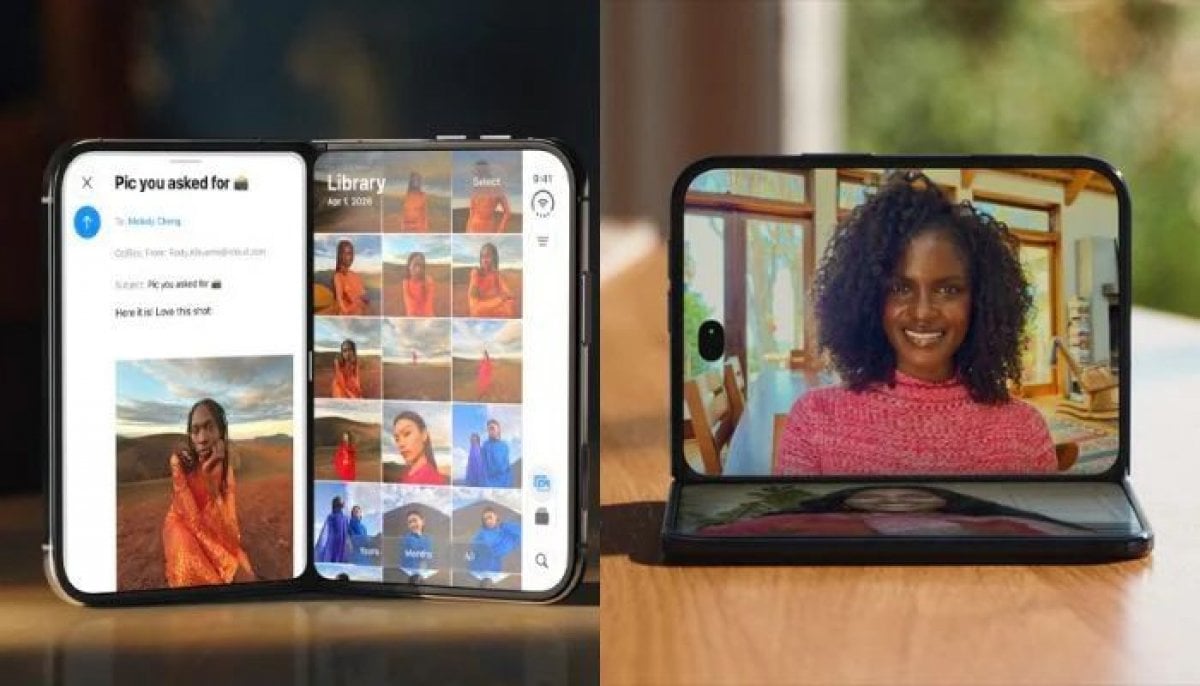 Apple's iPhone Duo launch strategy was 'major mistake', Bloomberg’s Gurman says
 -
 WhatsApp tests new iPhone browser to open links inside app
 -
 Samsung to use TSMC's 3nm process for Nvidia's next-gen AI memory chips
 -
 Microsoft scraps UK data center project with Nscale ahead of IPO
 -
 TSMC, Apple eye 1.4nm chips as costs surge ahead of 2028