Google launches Gemini app for windows: Everything you need to know
The Gemini app for Windows is available today globally for Windows 10 and 11
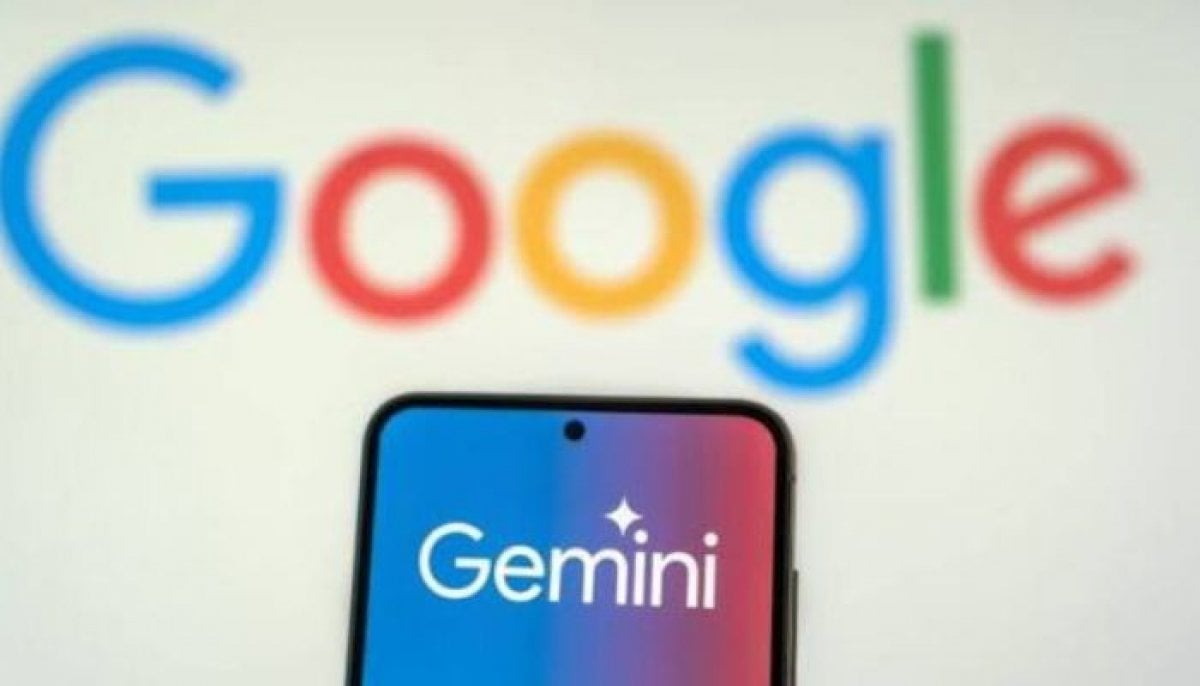
Google has reportedly launched its dedicated Gemini app for Windows on Thursday-a significant move to bring AI assistance to desktop users worldwide through specialized software compatible with Windows 10 and 11.
The primary motive behind the application is to allow users to access Gemini instantly with a keyboard shortcut. Users can use the app by pressing Alt+Space on a PC to open Gemini during active workflows, enabling them to fast-check documents or generate contextual title generation without switching applications.
One can generate custom images with Nano Banana for a presentation, directing a high-quality video with Gemini Omni all in one ideal location. The app also provides access to Gemini Spark AI agents which can manage sequential workflows and draft project summaries by retrieving information from Google apps including Gmail and Google Drive.
The Windows app cross-media generator lets users generate custom images with Nano Banana and direct professional videos with Gemini directly from their desktop. Nonetheless, the company states that the app runs without slowing down PCS performance, with special plans to deploy further built-in additional desktop features.


-
 Google launches Gemini app for windows: Everything you need to know
 -
 OpenAI meets power companies in urgent push to protect grid from AI cyber threats
 -
 H-1B workers face major setback as Trump proposes ending 60-day grace period: What to know
 -
 Highest-level recall issued for potato chips over banned ingredient posing death risk
-
OpenAI meets power companies in urgent push to protect grid from AI cyber threats
-
 Snapchat plans let you invite up to 200 friends
 -
 153 million driver's licences stolen in IDScan breach
 -
 OpenAI calls for binding national AI safety framework to counter autonomous agent risks
 -
 Apple iPhone 16, 17, Air got $100 more expensive
 -
 Why AI's own builders are suddenly begging you to slow down
 -
 Apple’s new foldable isn’t even out yet, but Android is copying it
 -
 DeepSeek launches V4.1-Flash model highlighting unmatched 400 plus token speeds