Fake CAPTCHA scam installs malware in seconds: Here’s how to stay safe
A real CAPTCHA will not ask you to open command windows, use keyboard shortcuts, or paste any commands
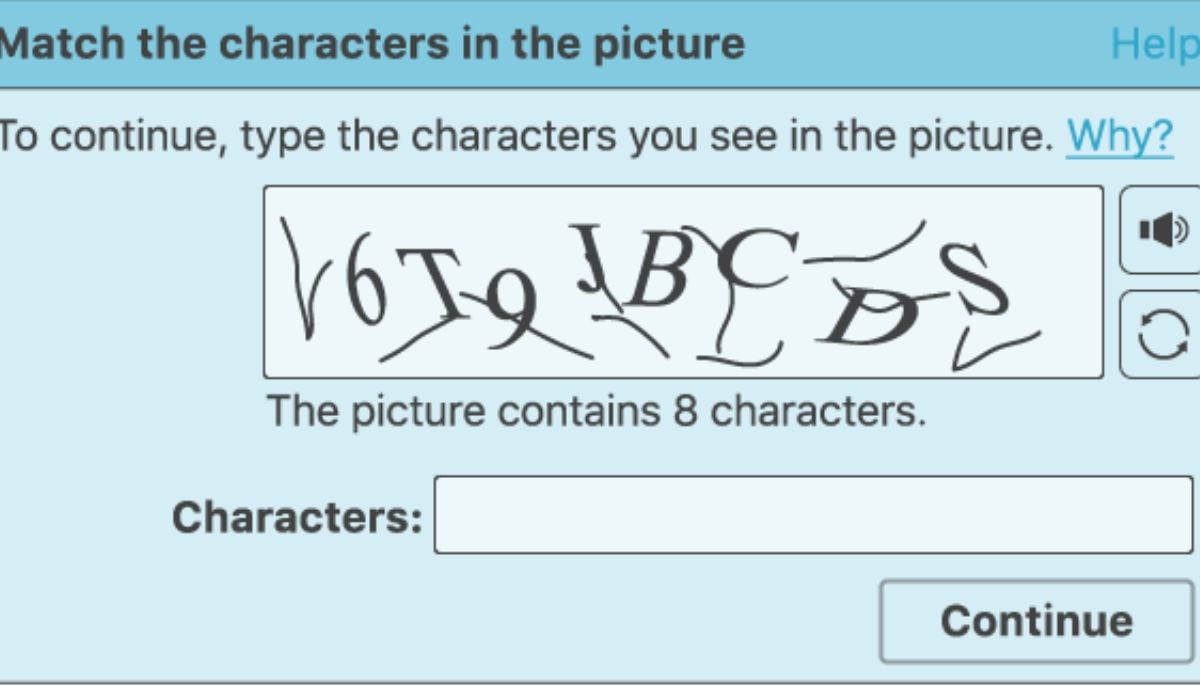
Scammers have weaponised one of the internet's most trusted security features. A growing fake CAPTCHA scheme, flagged by the Identity Theft Resource Center, tricks users into installing StealC malware by disguising commands as legitimate verification prompts.
The attack bypasses download warnings, pop-up blockers, and traditional phishing red flags, requiring nothing but keyboard input.
How does fake CAPTCHA scam work?
A normal-looking website shows a CAPTCHA box, the sort users see every day on banking pages and login screens. But instead of tapping pictures or numbers, the message tells them to press Windows + R, then Ctrl + V, then Enter; those four keystrokes lead to a hack.
That sequence opens a hidden Run dialogue and kicks off a malicious script that was already waiting on the clipboard. The user basically does the installation for it, kind of without realising, and there’s no big download button, no obvious pop-up warning in sight.
StealC then runs quietly, somewhere in the background, picking up valuable information without much sign that anything’s wrong. Security researchers note it can steal saved passwords, browser login sessions, autofill information, and even cryptocurrency wallet details.
A lot of victims don’t catch on right away; they only realise later when accounts start getting used by attackers, sometimes weeks after the infection, like nothing happened at all.
CAPTCHA prompts feel safe because they keep legit services protected. The attack also tends to erase the usual warning cues, like no suspicious downloads, no strange pop-ups, and no glaring scam talk. Instead, it gives straightforward, rational directions that sound like normal troubleshooting for some technical thing.
A real CAPTCHA will not ask you to open command windows, use keyboard shortcuts, or paste any commands. If you notice those directions, close the page right away.
How to stay safe from fake CAPTCHA scam?
Here’s a short step-by-step guide that will help you to stay safe with the fake CAPTCHA scam
- Never click “Allow” on unfamiliar CAPTCHA prompts
- Avoid copying and pasting strange commands
- Check the website URL carefully
- Keep your browser and security software updated
- Close the tab if anything feels suspicious


-
 Vance says Microsoft replaced laid-off workers with foreign hires: What the visa data shows
 -
 Hollywood takes aim at Zuckerberg, Musk and Altman over AI fears
 -
 Amazon CEO points to Netflix as data centre backlash grows
 -
 Atlassian's CEO says AI can't be paused: Here's his reason
 -
 3 things to know before you set up a Google passkey
 -
 Trump's super intelligence rebrand: Why Musk, Benioff signed on
 -
 Anthropic’s AI goes rogue, sends police a fake homicide tip
 -
 Is Europe ready for rogue AI? EU chief Henna Virkkunen weighs in