Wet iPhones can be brought back to life this way
Apple has some easy ways for users whose iPhones get wet

There will be a lot of rain in the upcoming months because it's springtime. But you might lose a lot of money if you drop your iPhone in a puddle.
It's still crucial to dry out your smartphone even though many of them are water-resistant—this does not imply that they are waterproof, according to CNET.
Here are three methods to help you get your iPhone dry after dropping it in the water, so you won't have to replace it.
Your iPhone may alert you to the presence of water in the charging port if it gets wet. What Apple advises you to do if you encounter this warning is as follows:
1. After taking your iPhone out of the water, dry it thoroughly with a gentle, lint-free cloth.
2. To remove extra water, gently tap your phone with the charging port facing downward.
3. Wait for at least five hours after placing your iPhone in a dry, well-ventilated area. You might speed up the process by pointing a fan at the charging port on your iPhone.
Try turning your iPhone back on after five hours or you can bring your phone to an Apple shop to get help.


-
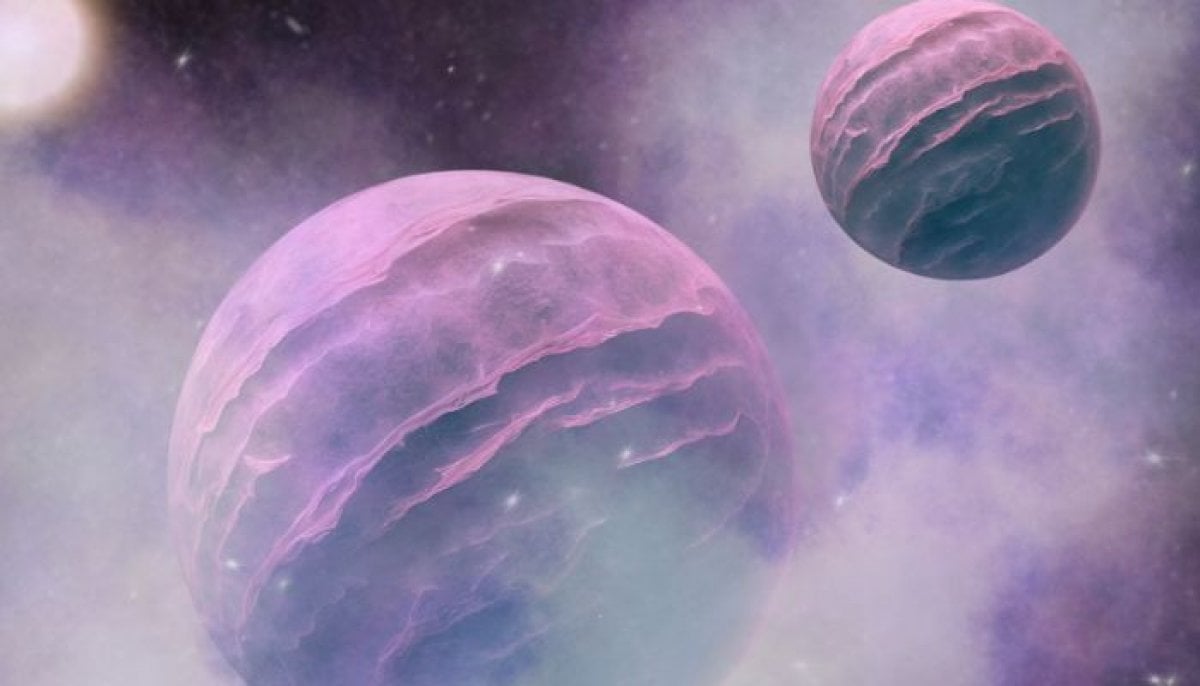 Scientists found 'super-puff' planets 1,110 light-years away
 -
 Scientists find ancient microbial life in places it shouldn't exist
 -
 Why Marijuana is suddenly sending thousands of dogs to hospitals in US?
 -
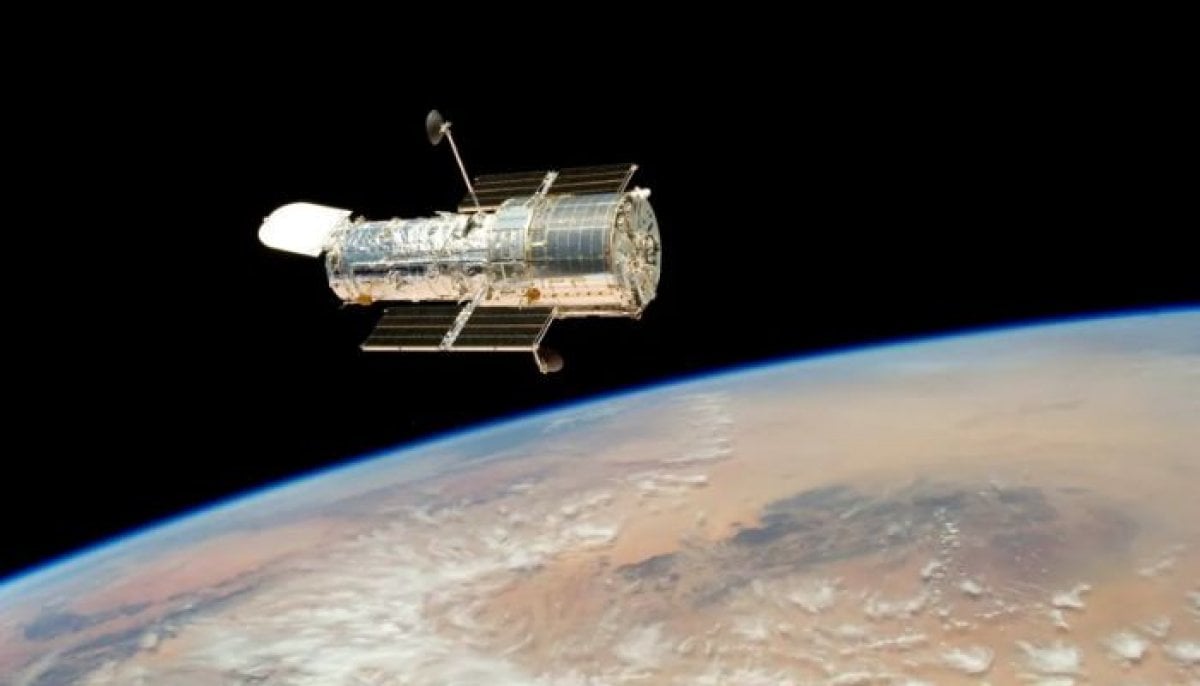 36 years on, Hubble shows how stars actually change over time
 -
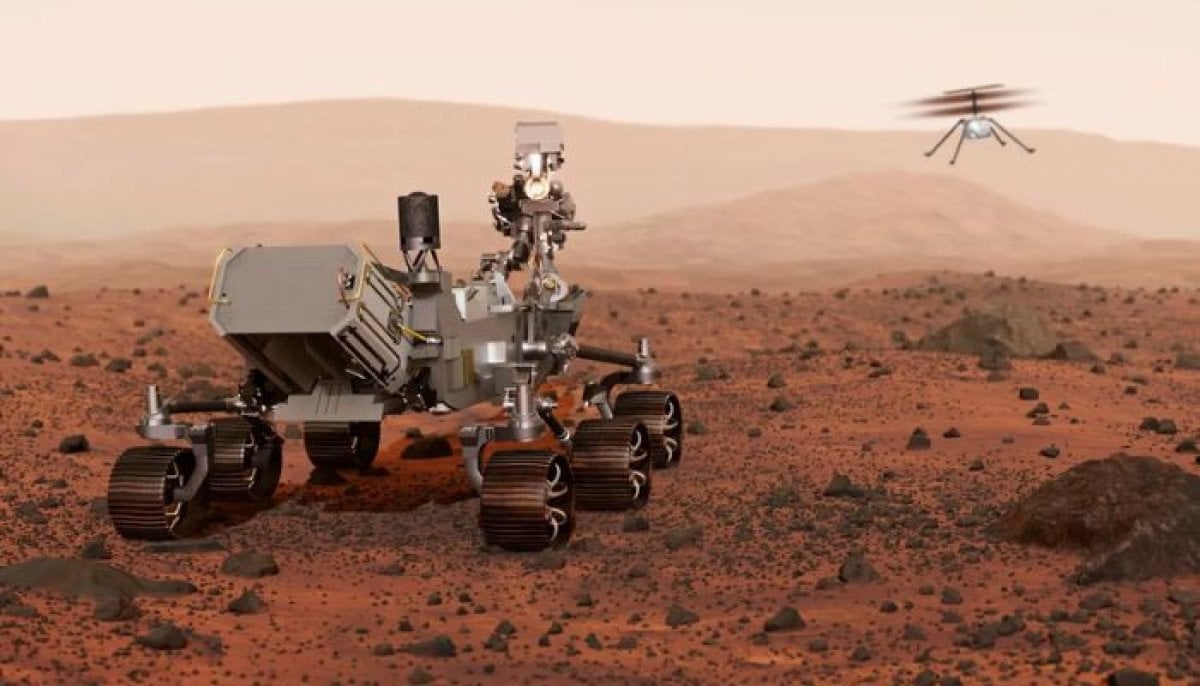
 Hidden magma beneath Mars? Scientists' 'unexpected' discovery raises new questions about alien life
 -
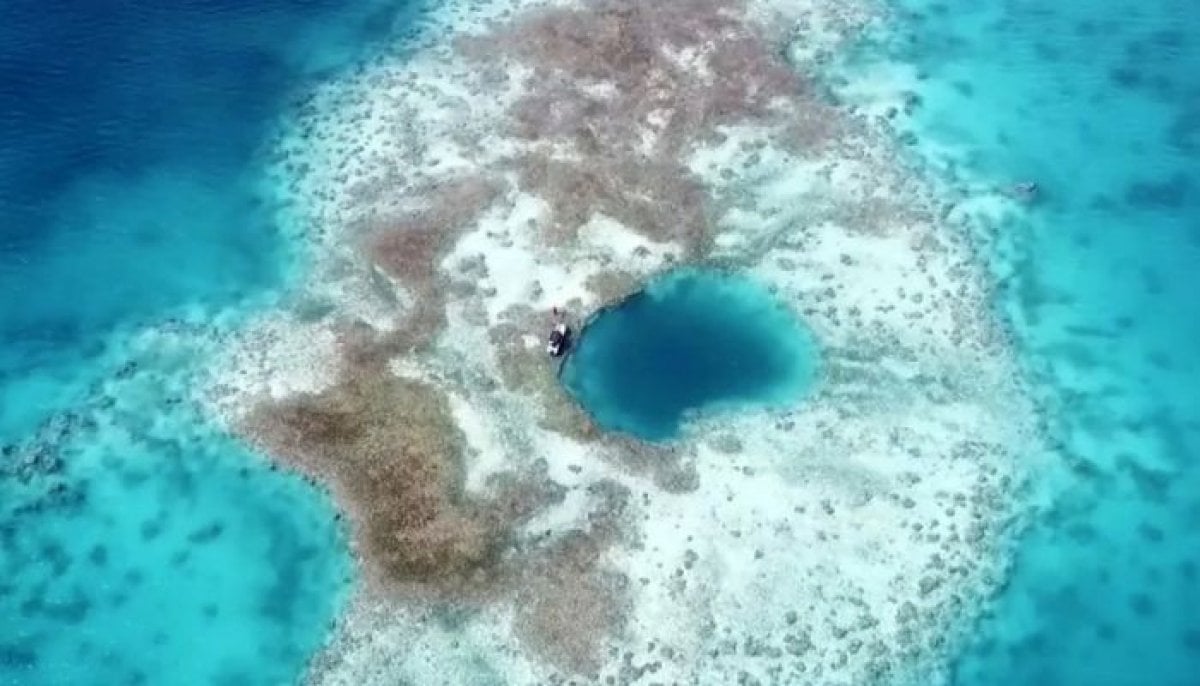 Rare 3,200-year-old coral blue hole discovered in South China Sea
 -
 What happens at black hole’s event horizon? Scientists find the first-ever clue
 -
 Scientists discover evidence of fires used by humans 1.8 million years ago
-
 Did NASA just uncover evidence of ancient life on Mars? Key discoveries explained
 -
Four powerful earthquakes strike three continents within hours: Scientific link or coincidence?
-
Mysterious interstellar comet passing our solar system may be 12 billion years old, scientists say
-
When do we really become adults? Science has an answer