
4 Google Lens features you're probably not using
Beyond identifying objects, Google Lens now translates, chats with AI, and syncs text to Chrome
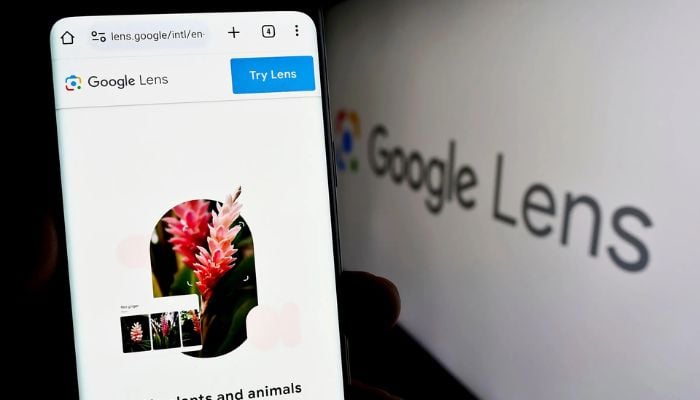
Google Lens started as a simple way to identify objects through your phone's camera. Nearly a decade later, it translates signs in real time, holds live AI conversations about whatever you're looking at, and can beam text straight from the physical world onto your computer's clipboard.
Most people are still only using a fraction of what it does.
4 Google Lens features you are missing out on
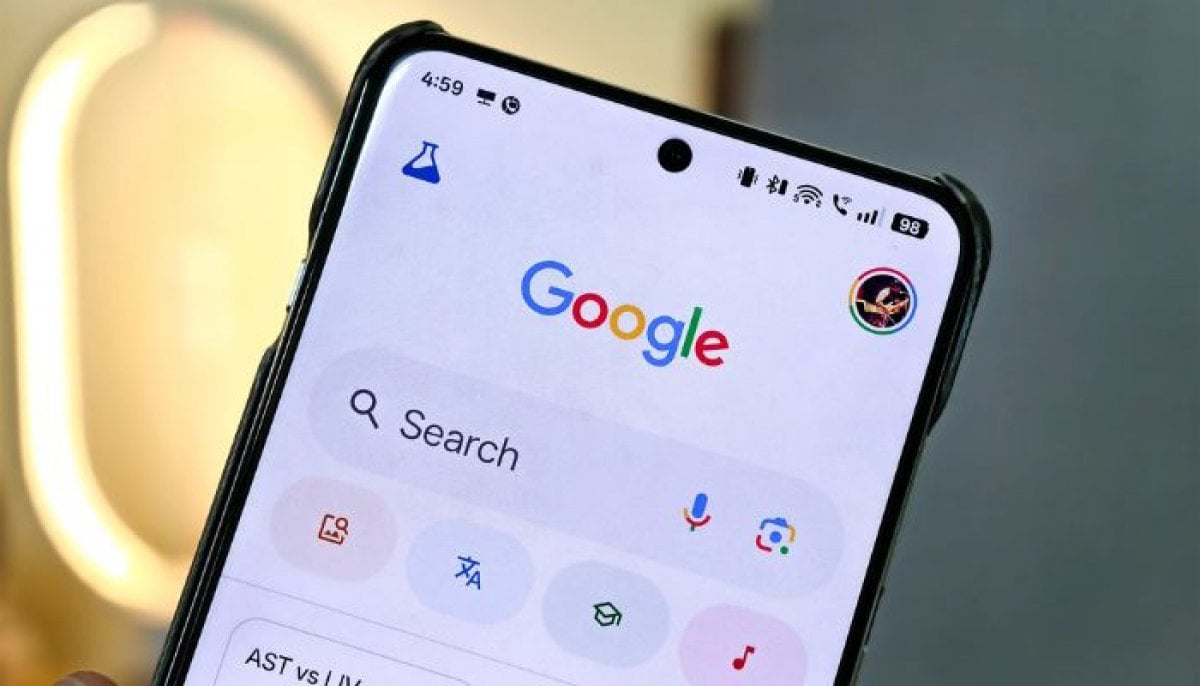
Users of Android phones can freely install Google Lens from the Play Store, or the app may even come installed in the camera application. The Lens cannot be accessed independently on an iPhone, but all the functionalities are available within the Google app using the camera icon next to the search bar.
Real-time translation for travel
Anyone travelling frequently across different countries is able to translate everything that they come across through the camera by simply pointing the device towards it.
All you need is go to the Translate part of the application from the bottom of the screen, choose the source and target languages, and then simply point your camera at any text to have an instantaneous translation overlay displayed.
In certain cases, it may become necessary for users to download some additional data as the function needs an Internet connection.

Beaming text directly to your computer
In addition, there is yet another use of Lens that allows one to paste any text from anywhere to the computer’s clipboard through the simple process of capture.
For copying text in Lens, one has to point the camera at it, take a picture, choose to select text, hit the three-dot button menu, and finally click “Copy to Computer”.
This will enable Lens to display all the devices that are connected to Chrome under the same Google account and paste the copied text in the computer’s clipboard very quickly.
It does not matter whether the devices are connected to the same Wi-Fi network.
Identifying and shopping for almost anything
Search Mode, which is the default mode in Lens, allows users to turn their cameras into visual search engines.
If users point their cameras at plants, clothes, or pieces of furniture, results will feature an AI overview, an opportunity to ask follow-up questions via Gemini based on the image in question, and visual matches that appear right where people can purchase the product.
It works well to recognise specific products, such as discontinued canvas prints, and connect directly with those who sell them.
Live discussions about the things you are observing
When the Live mode is selected, Lens becomes a conversational tool built on top of one's camera stream. When users point their cameras at something they need to repair or understand and ask a question, Gemini answers the question based on what it sees through the camera's eyes.


-
 Google, Nvidia, Anthropic bet on smarter grids for AI’s power crunch
 -
 Spotify's podcast payout programme goes global in 35 countries
 -
 Google adtech faces 6 years of restrictions after antitrust trial
 -
 Apple iPhone prices to climb again in 2027
 -
 Australia eyes ‘world-leading’ ban on smart glasses
 -
 Is Tim Cook shielding Apple's new CEO from politics?
 -
 Meta hit by German court ruling over fake ads: What to know
 -
 Godfather of AI says kill switch won't save us from AI